Is it a subscription? Will I have to renew?
No, and never. You pay one time and NEURO RIG is yours forever: no subscription, no renewals, no yearly fee, no account to keep alive. Every 1.x update is included.
What if you stop selling it one day?
It keeps working. Once your key is activated, NEURO RIG runs offline on your computer for good.
What do I need?
A Mac with macOS 12 Monterey or later, Apple silicon or Intel, and an audio interface to plug your guitar into. A MIDI foot controller is a bonus, not a must.
Where do the amp sounds come from?
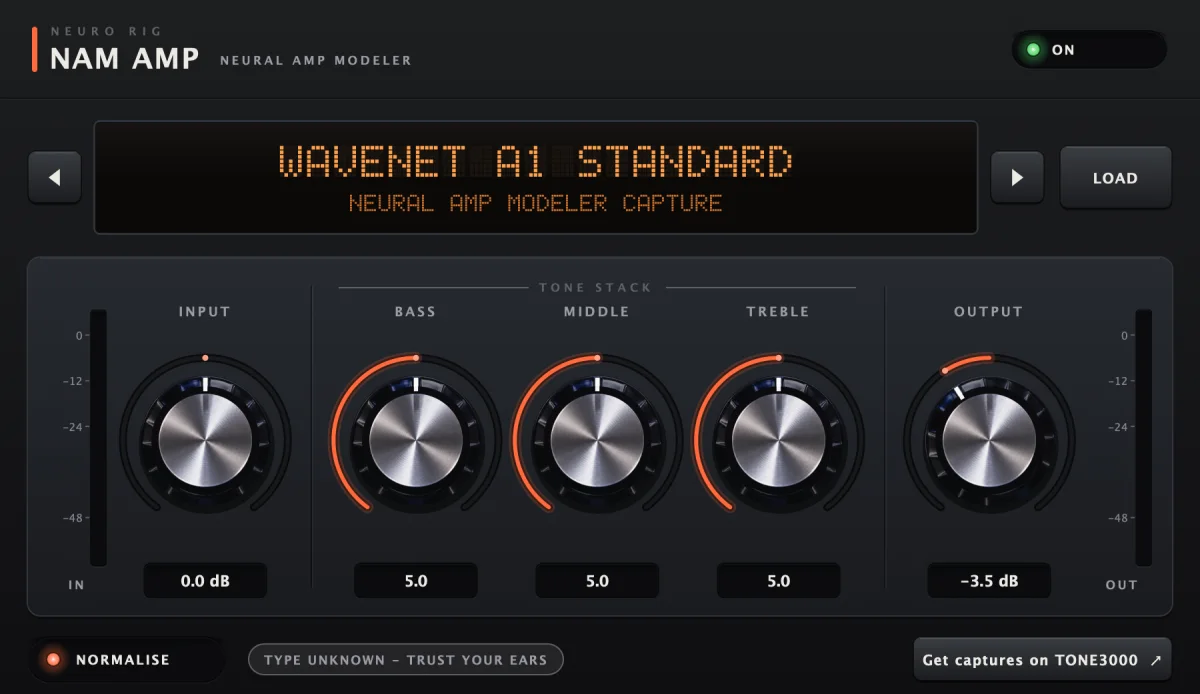
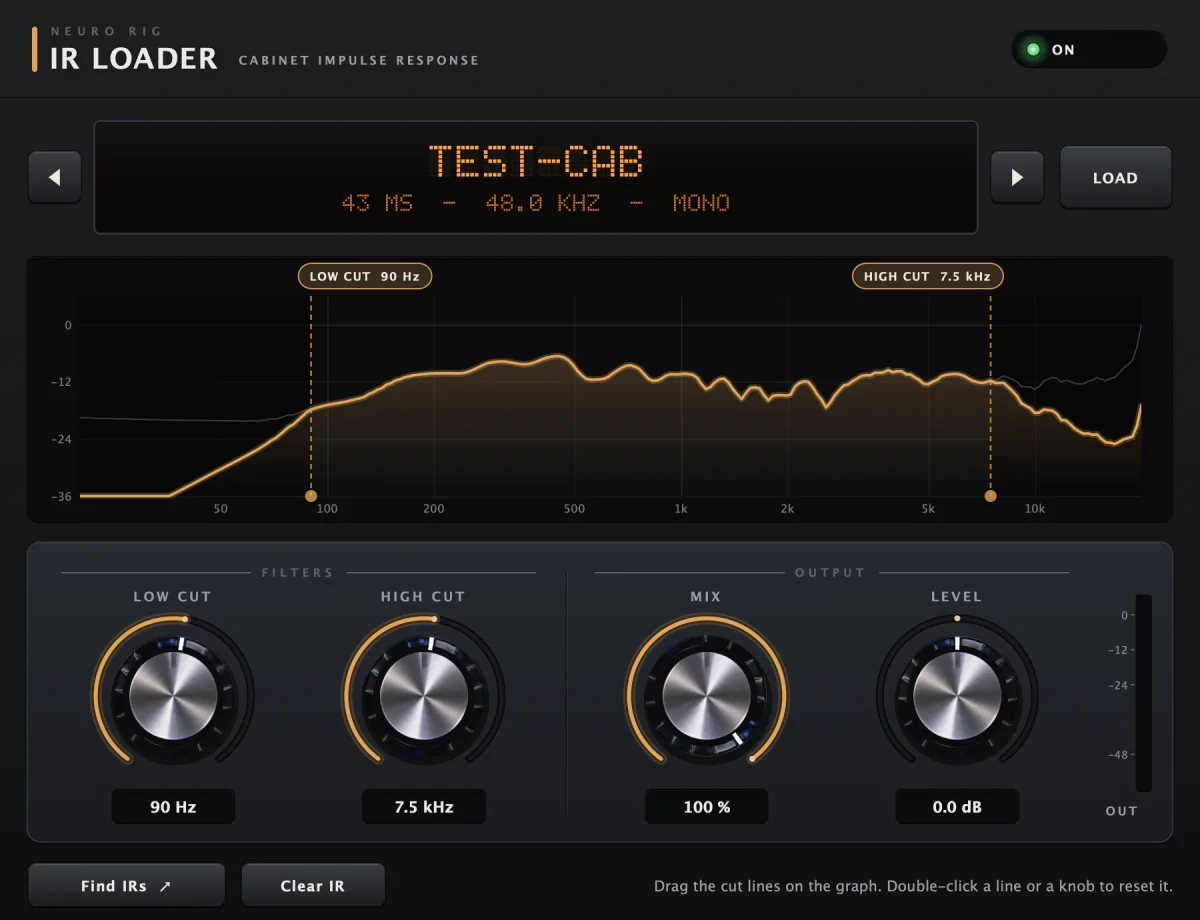
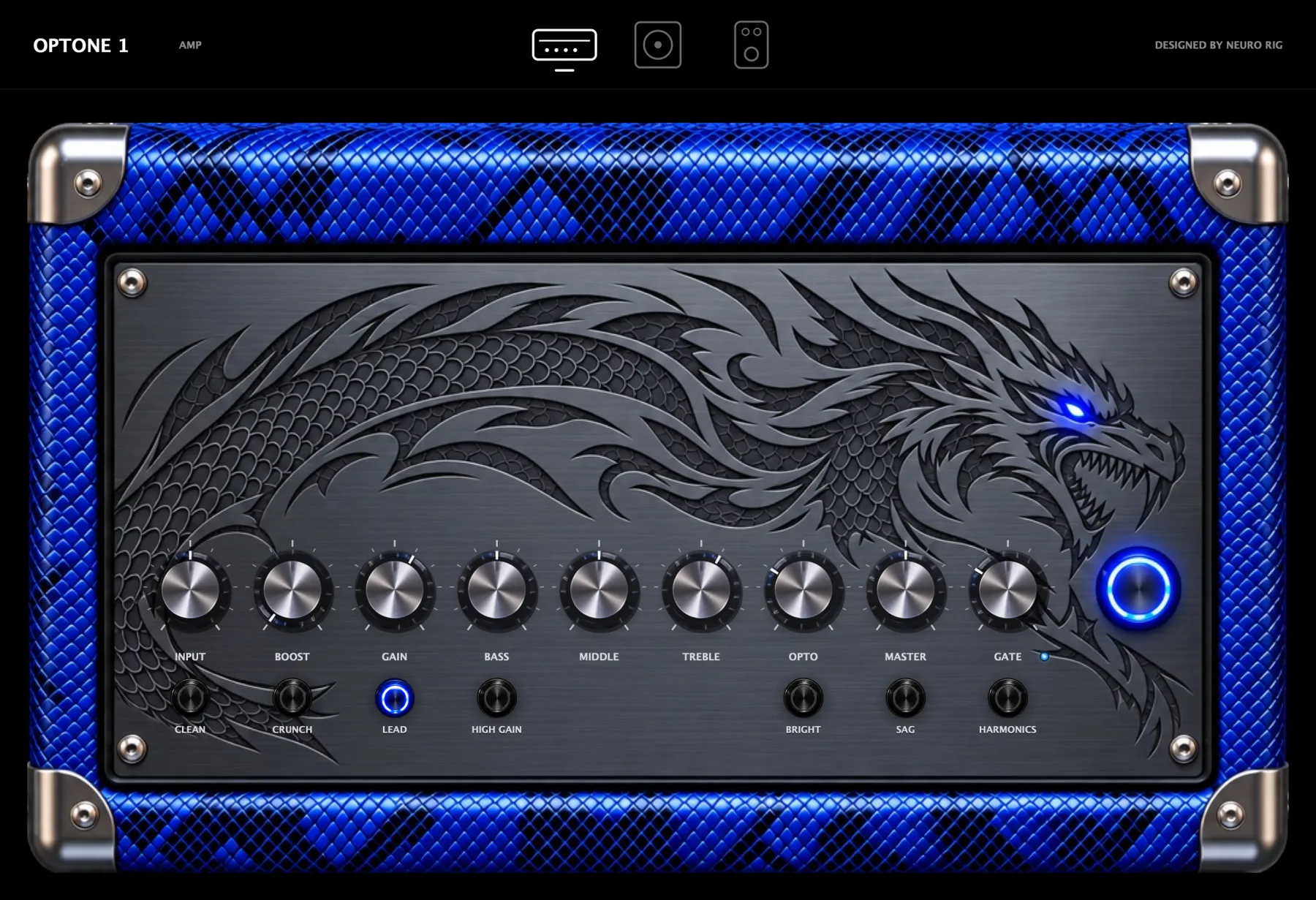
From wherever you like. Optone 1, our own amp, is built in. You can load any Neural Amp Modeler capture (.nam, A2 or A1): thousands are free on TONE3000. And any amp plugin you already own works too, AU or VST3: Neural DSP, Positive Grid, IK Multimedia, UAD and the rest. Mix them in one rig if you like, a NAM capture on one path and your favourite amp plugin on another. For cabs, use any impulse response (.wav or .aiff) in the IR loader, or the cab in your amp plugin.
I have a UAD Apollo. Can I use my UAD plugins?
Yes. The native ones (UAD Spark / UADx) load like any other plugin. The UAD-2 ones, which run on the Apollo's own DSP, load too while the Apollo is connected. Playing live through them adds a trip to the Apollo's DSP and back, so for amp sims you may prefer them in Console, or as Unison (below).
I have Unison amps, preamps or pedals on my Apollo. How do I use them with NEURO RIG?
Put them first, on the Apollo's input. NEURO RIG then starts from that signal, so your Unison amp or preamp is the first stage of the path:
- In UAD Console, load the Unison plugin on your Hi-Z (or mic) input's Unison slot. The input takes on the impedance of the original hardware, at near-zero latency.
- In NEURO RIG, set the path's input to that Apollo channel: select the Input block and pick the channel (for another path, click its number and give it its own input). Unison is always recorded, so everything NEURO RIG hears already has it: build the rest of the path from there.
- In Console, mute that channel's monitor, so you hear NEURO RIG's output, not the dry Apollo signal on top of it.
Unison can't be loaded inside NEURO RIG itself: it switches the Apollo's preamp hardware, and only UA's own software (Console and LUNA) can drive it.
Does it work in my DAW?
Yes. NEURO RIG installs as an Audio Unit and a VST3 as well as a standalone app, so it runs in Logic Pro, Ableton Live, Cubase, Nuendo, Fender Studio Pro (formerly Studio One), LUNA, Reaper, Bitwig Studio and Digital Performer. Pro Tools (AAX) isn't supported.
Can I use my own plugins inside it?
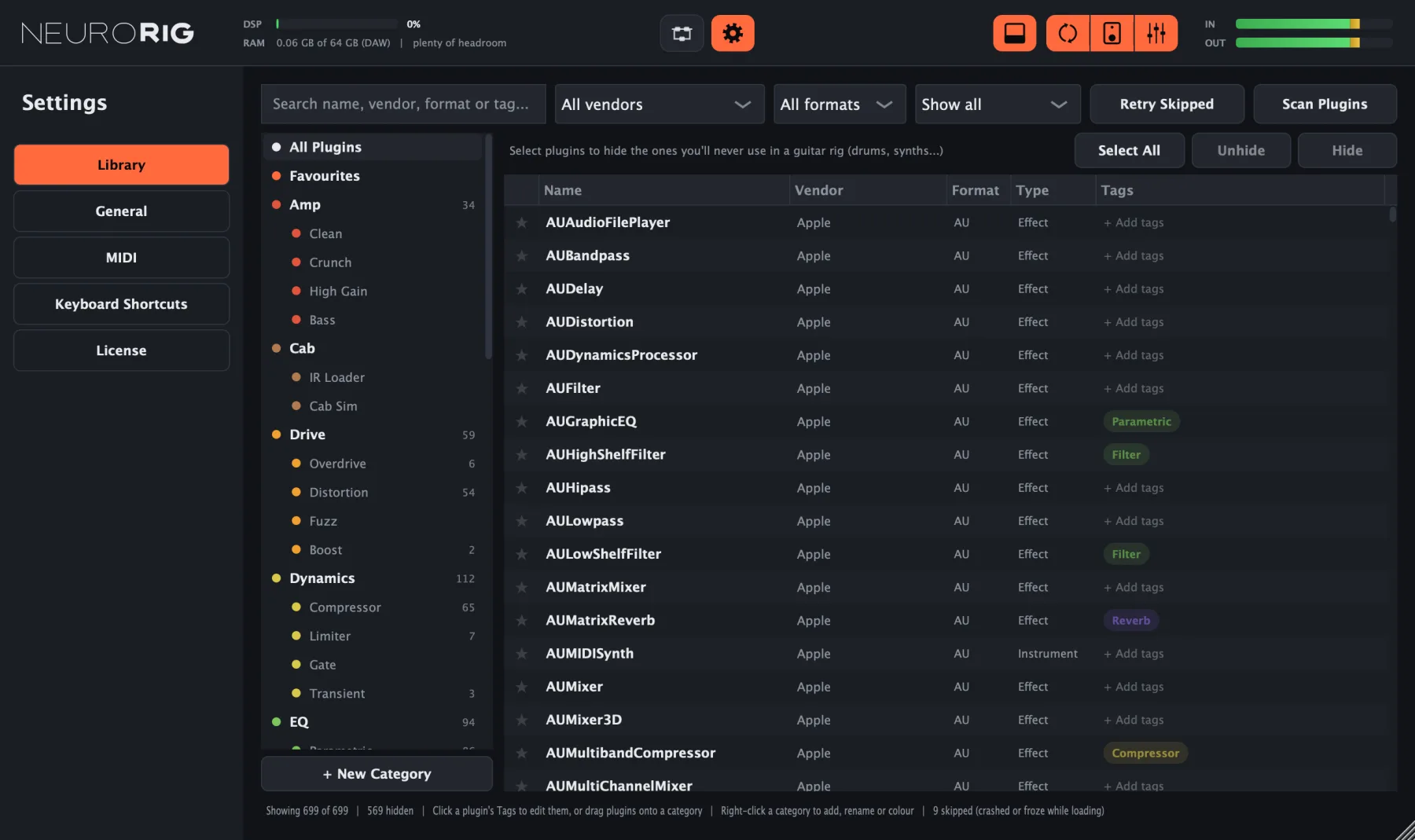
Yes, any AU or VST3 effect on your Mac. They're checked one by one in a separate process, so a misbehaving plugin can't crash NEURO RIG.
I lost my license key.
No problem: enter the email you bought with and we'll send it again. It's also always in your account.
How many amps and plugins can I use?
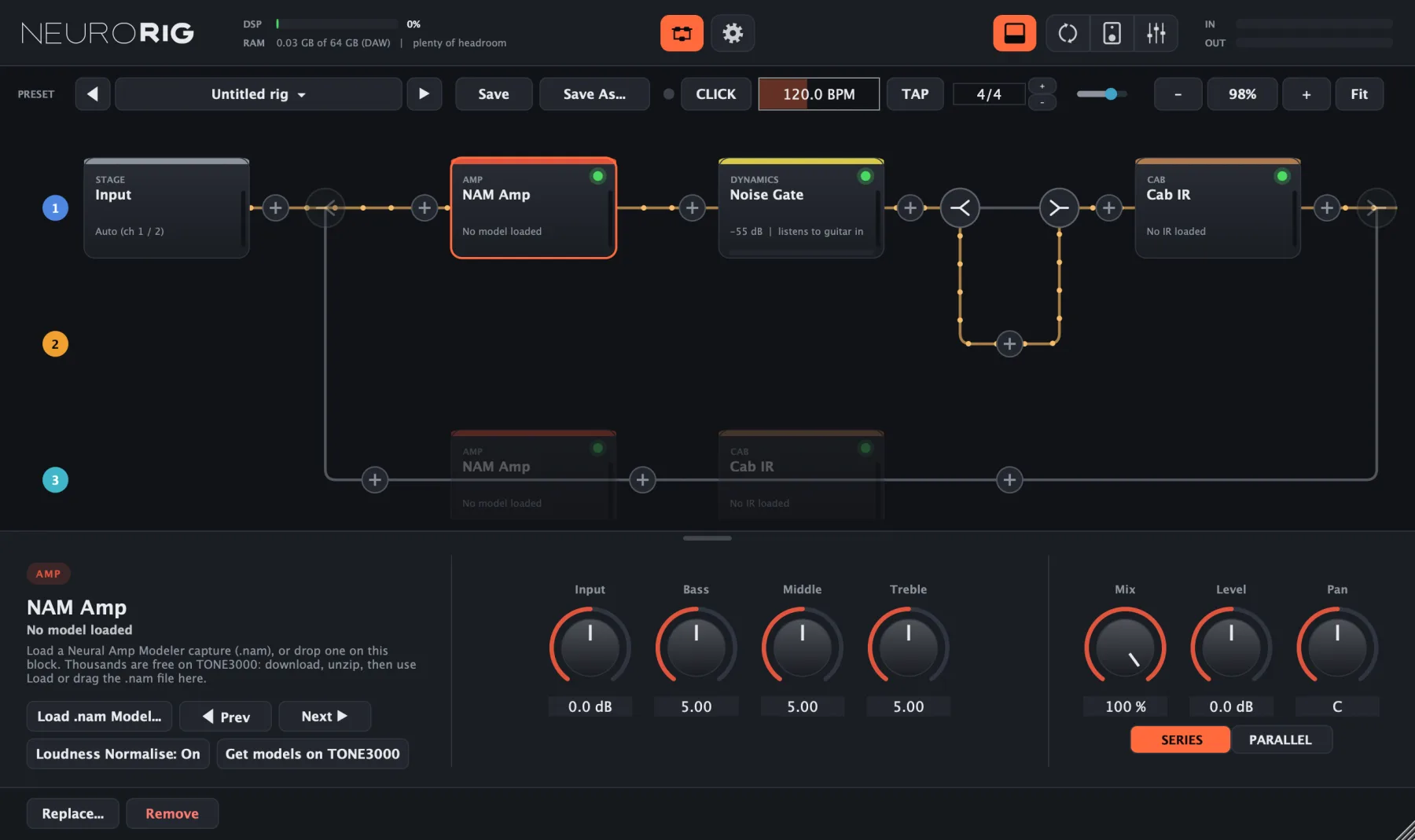
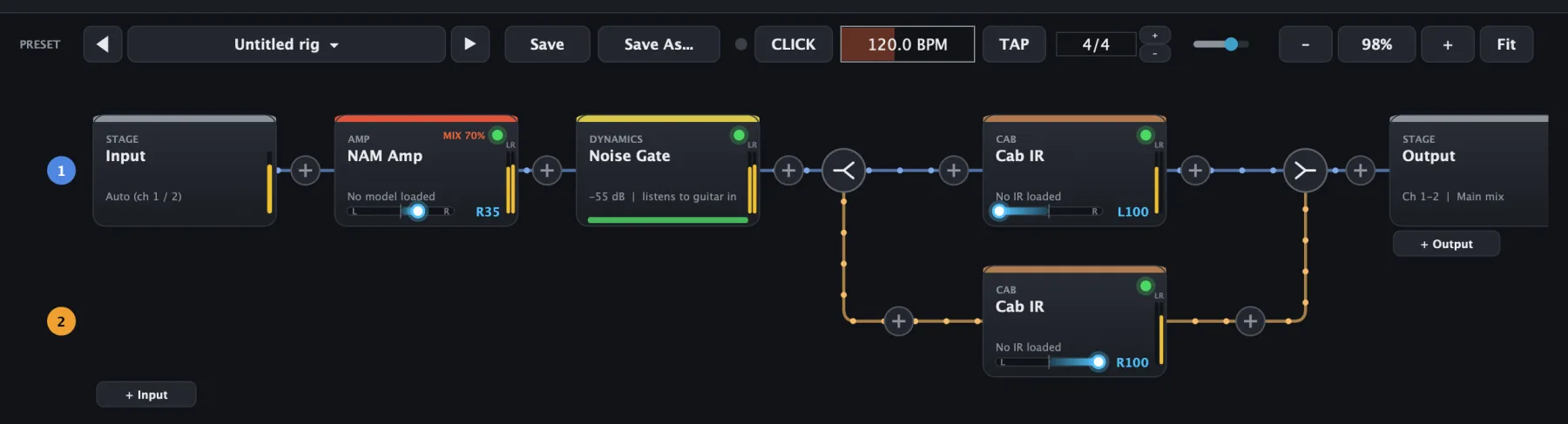
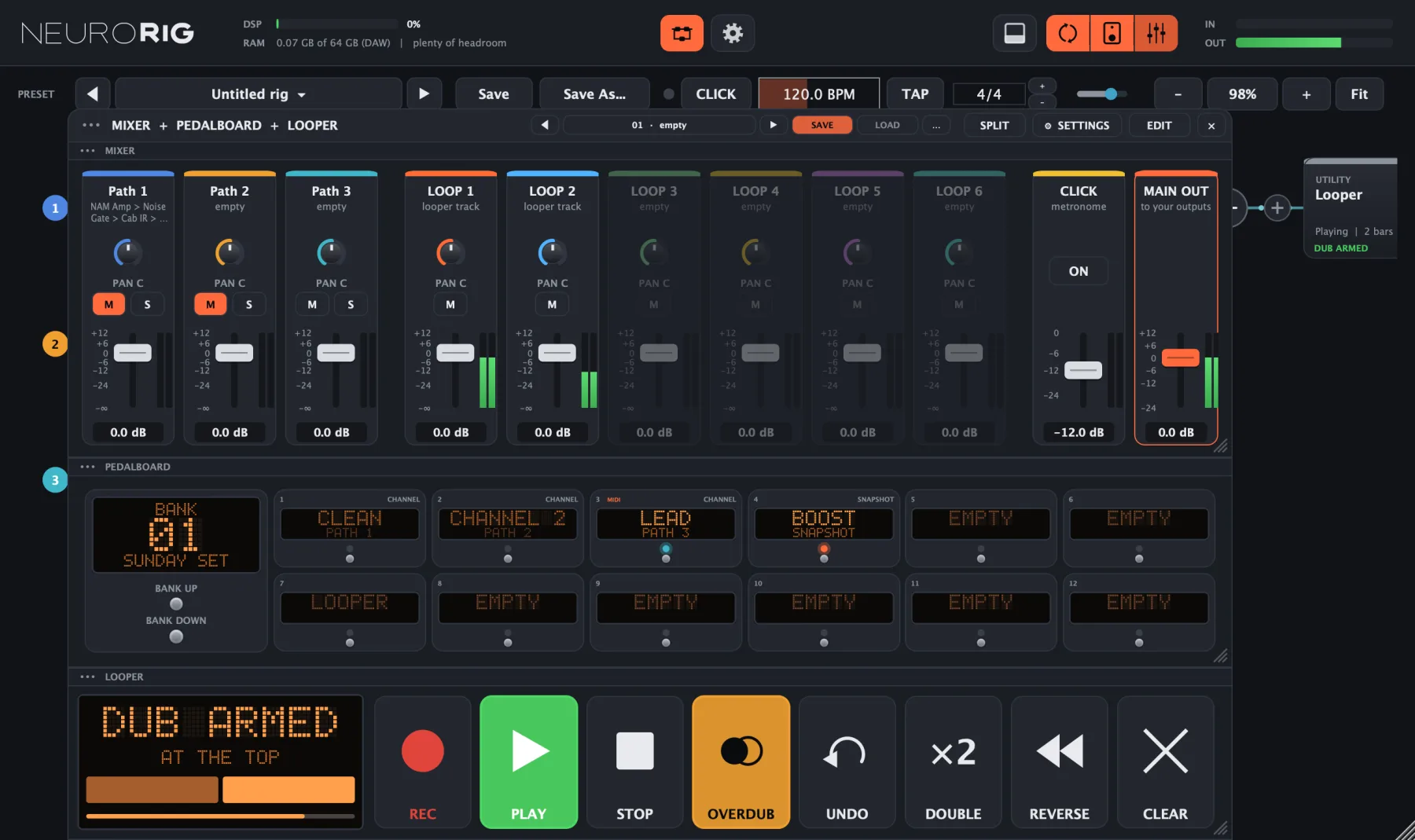
As many as your Mac can run. Each of the 4 paths takes any number of blocks, in series or in parallel, so you can stack amps, cabs and plugins freely. The limit is your computer's processor and memory, and the DSP and RAM meters at the top of NEURO RIG show how much is left. Splitting a signal into left and right rows uses one of the 4 paths.
What happens when the trial ends?
NEURO RIG goes silent until you enter a license key. Your rigs, presets and loops stay exactly where they are.
I have a new computer. Can I move my license?
Yes. Your key works on more than one computer at a time (your account shows how many). To move it, choose Deactivate this computer in Settings › License on the old one, or free it from your account, then enter the key on the new one.
Is there a Windows version?
It's in the works: check back here.
What if it doesn't work for me?
Try it free for 14 days first. If something still isn't right after you buy, write to us and we'll sort it out. See the refund policy.